

Comprehensive Guide to Installing Flixfox APK in India
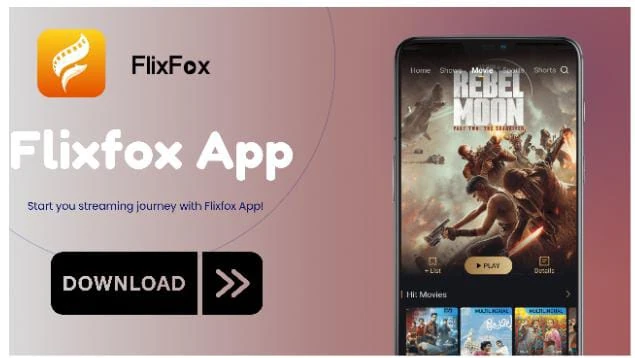
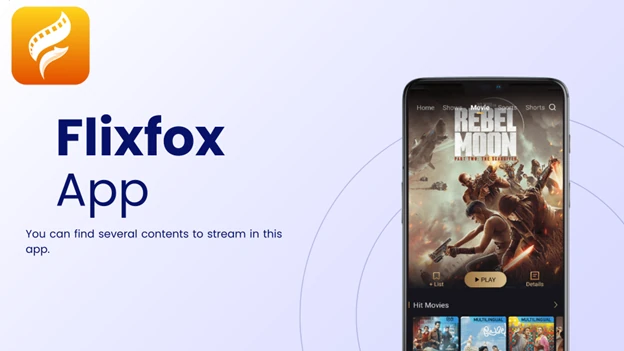
If you are an avid fan of live sports, breaking news, and a variety of television entertainment, flixfox is an application designed just for you. This app aggregates various streaming content, providing a wide array of options for users looking to enjoy their favorite shows and sports. However, it’s important to note that Flixfox is not available on the Google Play Store, which means you'll need to go through the process of manual installation using an APK file.
Step-by-Step Installation Guide
Follow these simple steps to install Flixfox APK on your Android device:
- Download the APK File: First, visit the official Flixfox website or another reputable source to download the APK file. Ensure you are getting a legitimate version of the app.
- Locate the Downloaded File: Open the file manager on your device and navigate to your storage area, typically under the Downloads folder, to find the APK that you just downloaded.
- Install the APK: Tap on the APK file. If the system prompts you with a warning about permissions, you’ll need to allow installations from unknown sources. To do this, go to: Settings → Security/Privacy and enable Install from Unknown Sources. Remember to disable this option after the installation is complete.
- Complete the Installation: Follow the on-screen instructions to finish the installation process. Once completed, you may tap on Open to launch the application immediately.
Security Warnings
It is crucial that you only download Flixfox from official sources to avoid risking malware infections. Before installing the APK, consider scanning it with a reliable antivirus application for added safety. After installation, it’s advisable to turn off the permissions for unknown sources to ensure your device remains secure.
Frequently Asked Questions (FAQ)
Do I need to register to use Flixfox?
No registration is required to use Flixfox, making it easy for users to jump straight into the content.
What should I do if the app keeps buffering?
If you experience buffering, try checking your internet connection or closing other applications running in the background that may be consuming bandwidth.
Is Flixfox compatible with tablets?
Yes, Flixfox is compatible with tablets running on the Android operating system, allowing for a larger viewing experience.

Disclaimer
Please be aware that Flixfox functions as a third-party aggregation tool. The copyright of the content belongs to the original creators, and any risk associated with using this application is borne by the user. Always exercise caution when downloading applications from outside the Google Play Store.